

Victron Digital Multi Control 200/200A - REC020005010
Victron Digital Multi Control 200/200A - REC020005010
Description
Overview
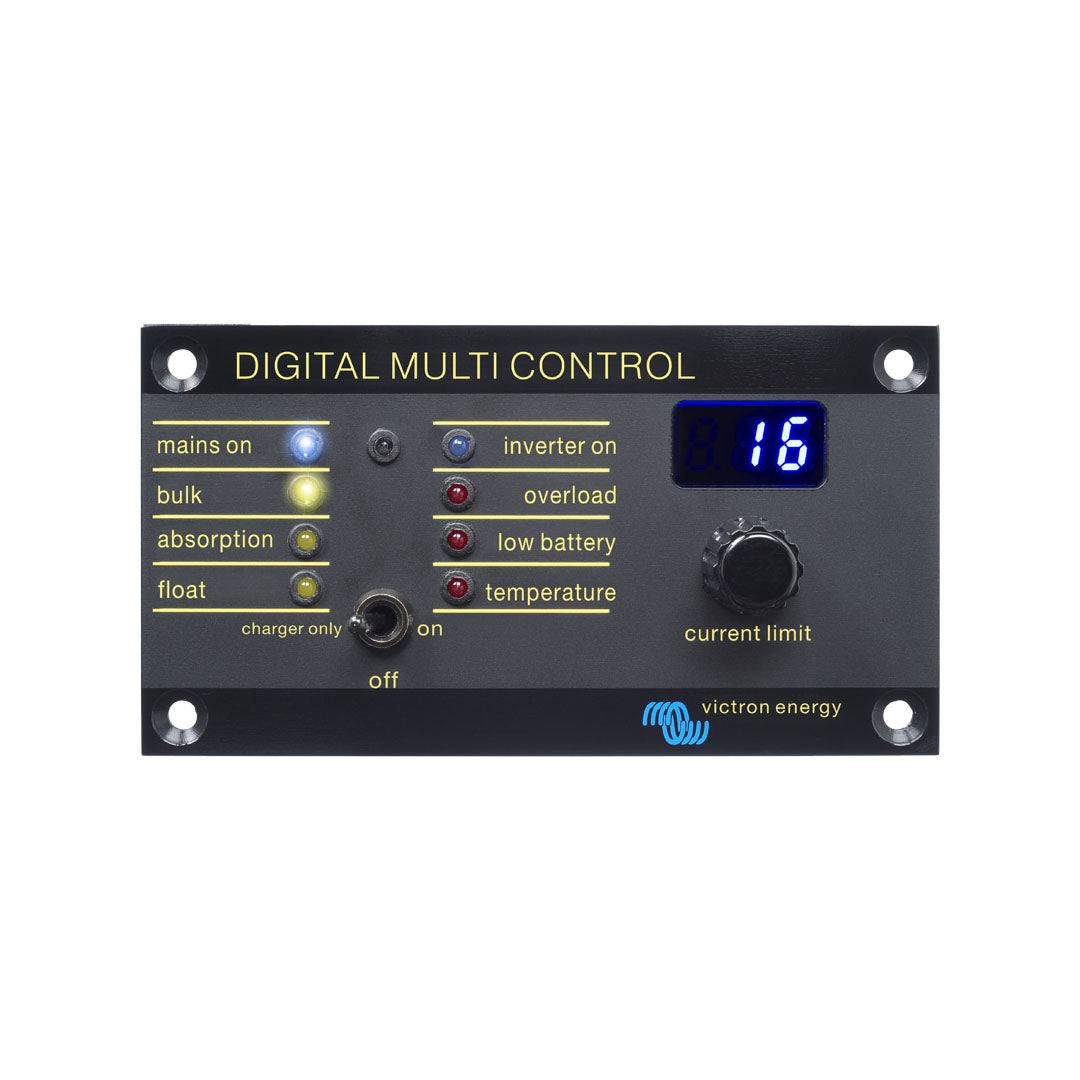
The Victron Digital Multi Control 200/200A is a versatile remote control panel engineered to work with all Victron Multis/Quattro and Multi/Quattro systems—including stand alone, parallel, and multi-phase configurations. Designed for intuitive system control, the panel enables easy adjustment of current limits and supports both VE.Bus and non VE.Bus systems.
With support for PowerControl and PowerAssist functionality, the Digital Multi Control allows users to set current limits for two AC sources (such as a generator and shore power) up to 200 A. Automatic LED dimming enhances visibility during night-time operation, while straightforward RJ45 connectivity simplifies installation.
Key Features
Remote System Control
- Compatible with Multi/Quattro and Multi/Quattro systems
- Supports stand alone, parallel, and 2–3 phase configurations
- Adjustable PowerControl and PowerAssist current limits
Power Management
- Set current limits up to 200 A for dual AC sources
- Ideal for generator and shore power current management
- Enhances system performance under varied load conditions
User-Friendly Interface
- Auto-dimming LED indicators for night-time visibility
- Clear status readouts and intuitive control
- Easy configuration with minimal setup
Simple Connectivity
- Standard RJ45 connection for quick installation
- Plug-and-play setup in most systems
- No additional configuration required in typical installations
Downloads